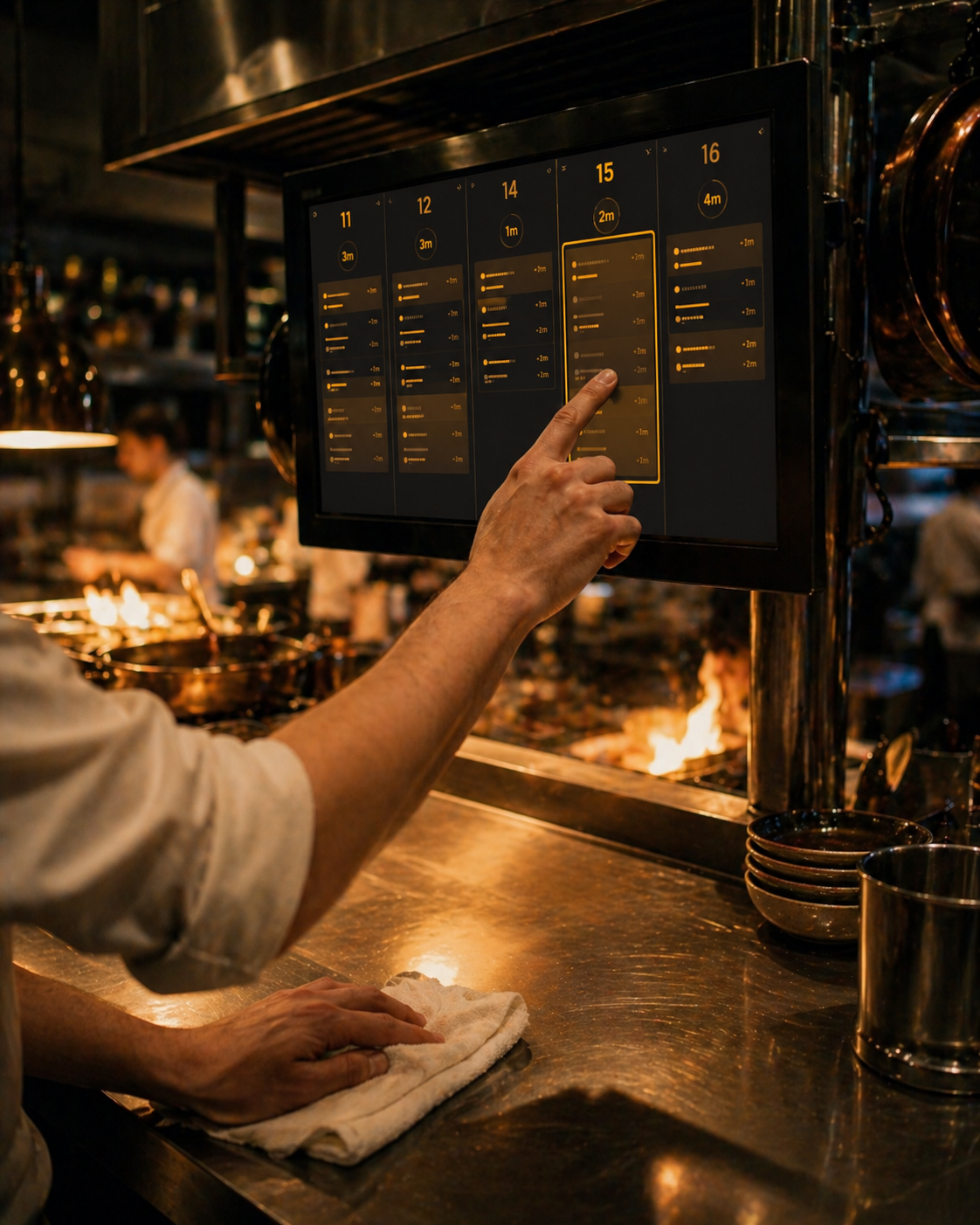
Kitchen Display
Replace the rail and printer with a system that thinks. Tickets route to the right station automatically, ordered by fire time and cover count. When the line gets loud, the kitchen hears the call: hands-free station-by-station audio, so chefs never have to look up from the stove.
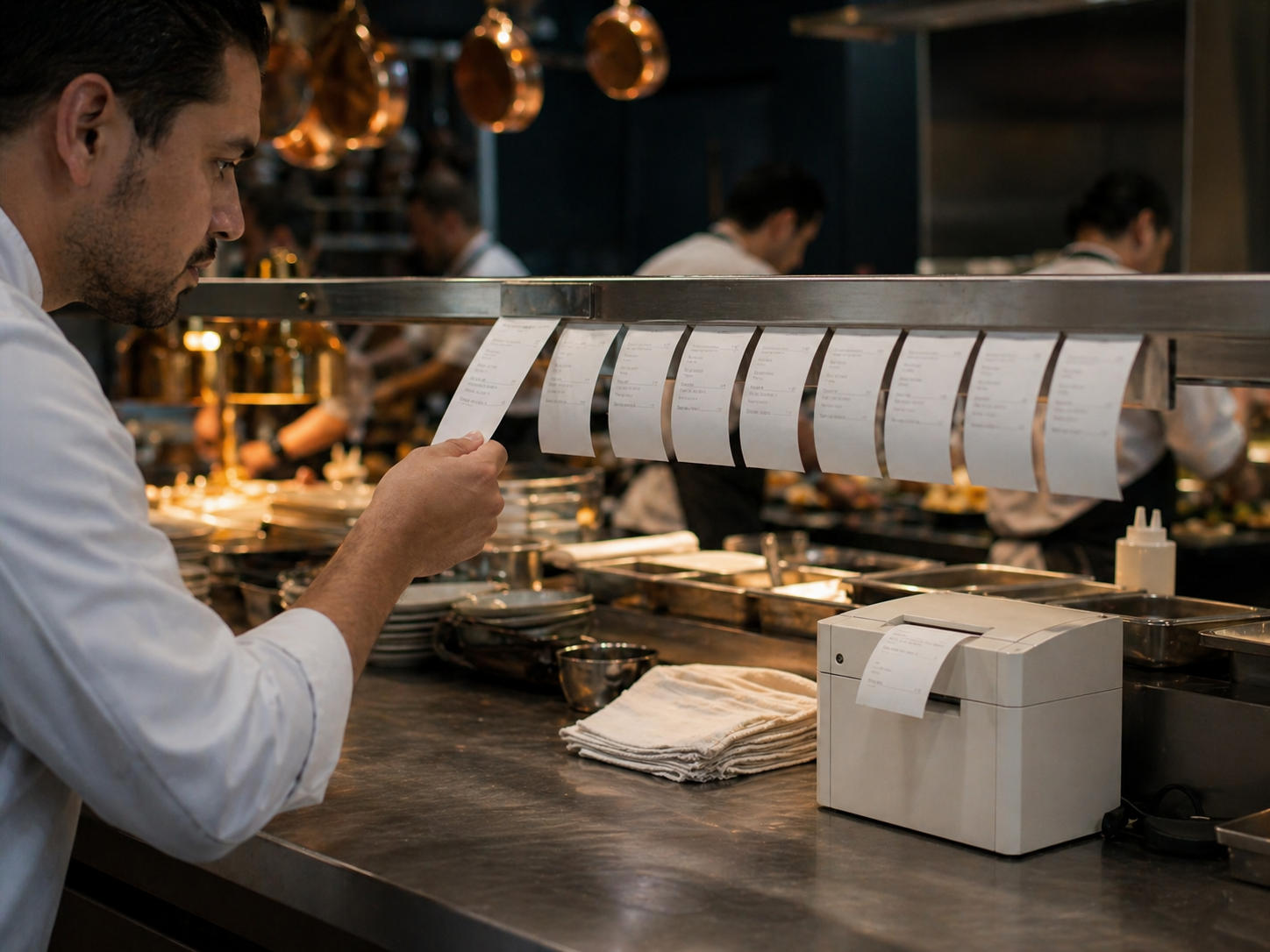
Paper jams. Ink ribbons. A line cook squinting at curled receipts during the rush.
The printer rail has been the kitchen status quo for thirty years. It dies at the worst times, doesn't prioritize, and forces the expediter to physically run paper across stations.
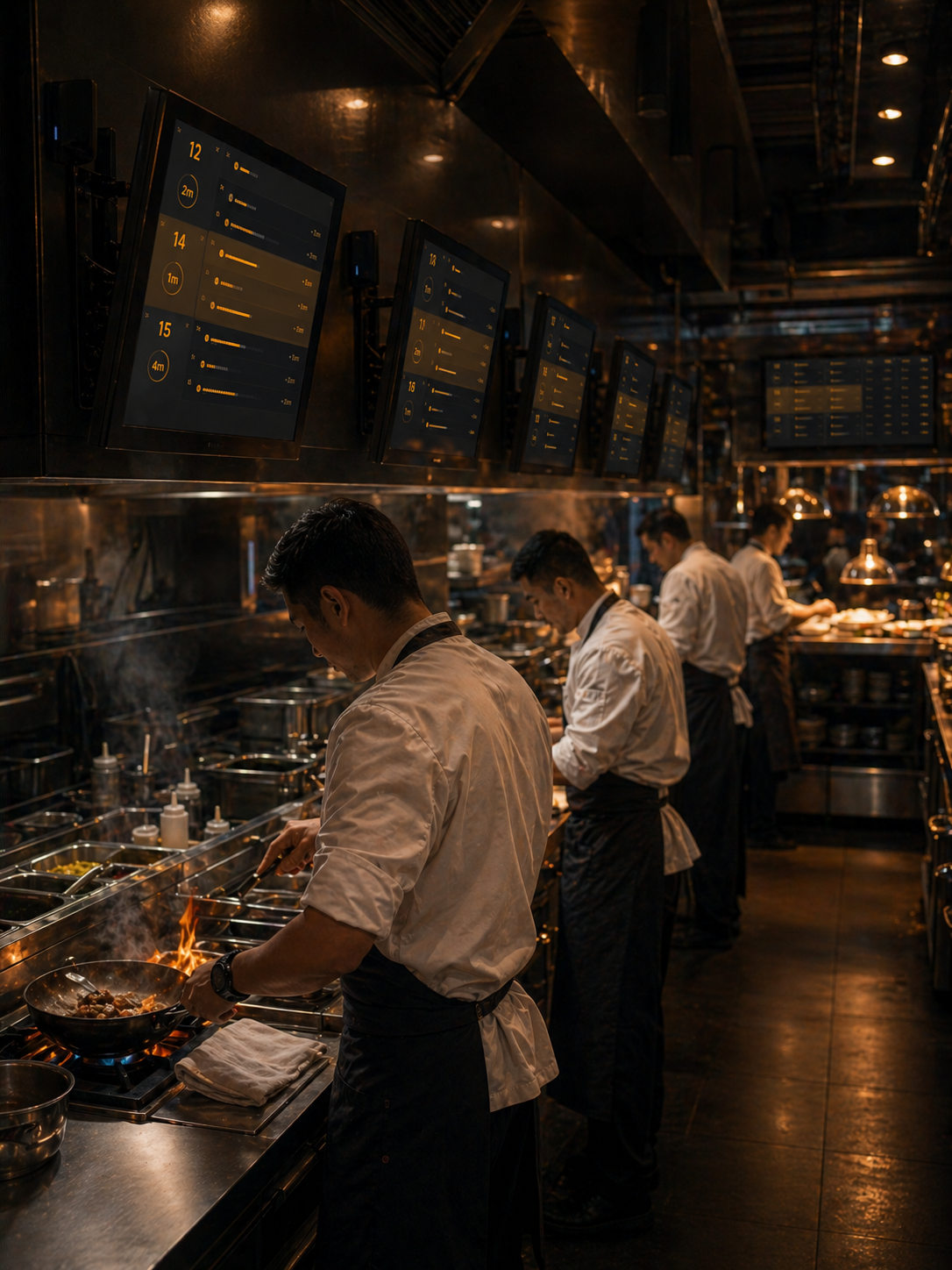
Every station sees the right tickets, in the right order, at the right time. And hears the call when it matters.
Mise routes items by station automatically. Tickets sort by cover count and fire time. The expediter sees the whole rail; the grill cook sees only the grill. And when speakers are wired into the line, every station hears its calls in plain language: new fires, pickups, table waits. Chefs never have to look up from the stove to know what just changed.
What it does.
Multi-station routing
Items route to the right station automatically: grill, sauté, cold, garde manger. No reprinting.
Cover-based prioritization
The system knows which tables have been waiting longest and surfaces them without prompting.
Hands-free call-outs
Optional speakers at every station call out the moments that matter: new fires, pickups, tables on the wait. "Order in: one striploin, two cod." "Pick up, table 12." "Table 14, ten minutes on the salad." Chefs stay at the stove, eyes on the pan, hands on the work.
Recall and bump
Mistakenly bumped a ticket? Recall in one tap. Full history available to the expediter.
Course timing
Fires courses from the POS at the right moment. No calls across the kitchen.
All-day counts
Open tickets total by item in real time, so the line sees how many of each are working at once. Batching and fire timing become obvious.
From fire to finish.
- 01
Order fires
Items split by station the instant the POS sends them.
- 02
Station sees its work
Each screen shows only what that station is responsible for.
- 03
Course timing
Mids and entrées fire at the right moment based on table pacing.
- 04
Bump and confirm
Tap to bump. Expediter screen reflects it instantly across stations.
Kitchen Display doesn't work alone.
Every module shares one database, so data crosses the platform the moment it's created.
Kitchen Display for $29 a month.
Add Kitchen Display on its own for one restaurant location, or combine it with the rest of the Mise platform. Add more modules whenever your operation is ready.
See all module pricing